
5.1.2 Opening the Visual Programmer
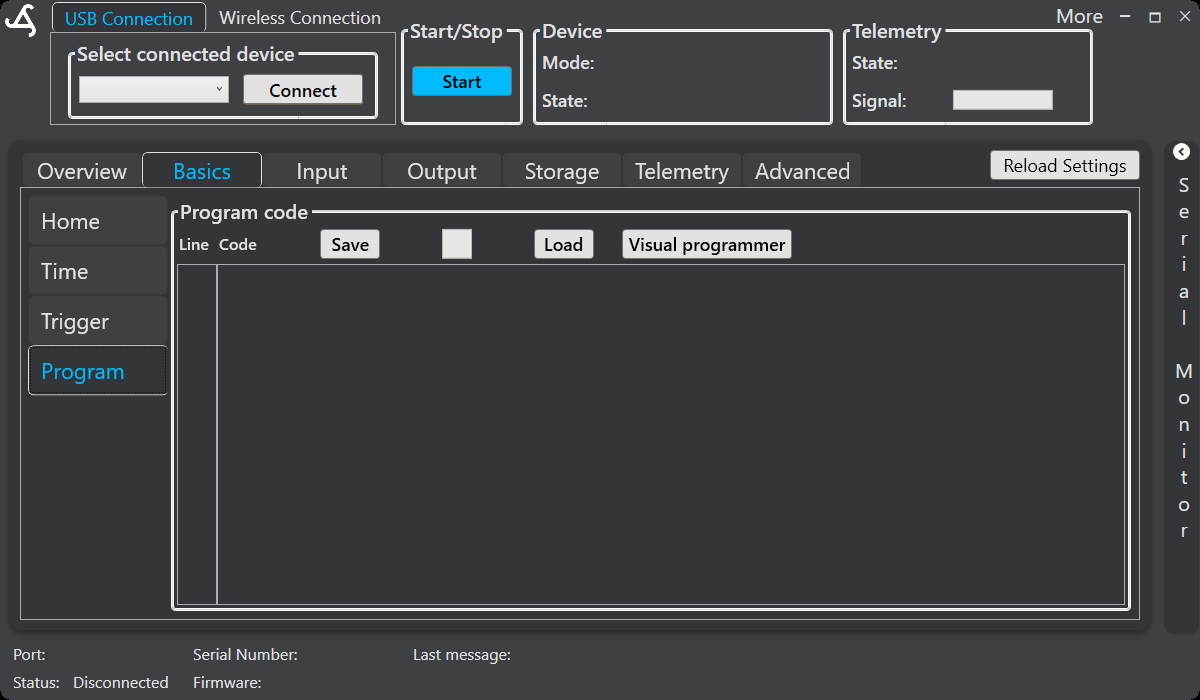
Open Basics and select Program. In the program-code area, select Visual programmer.
When the Visual Programmer opens, SmartConfig2 loads the current user-defined program automatically. The visual workflow represents the loaded program and its configured actions.
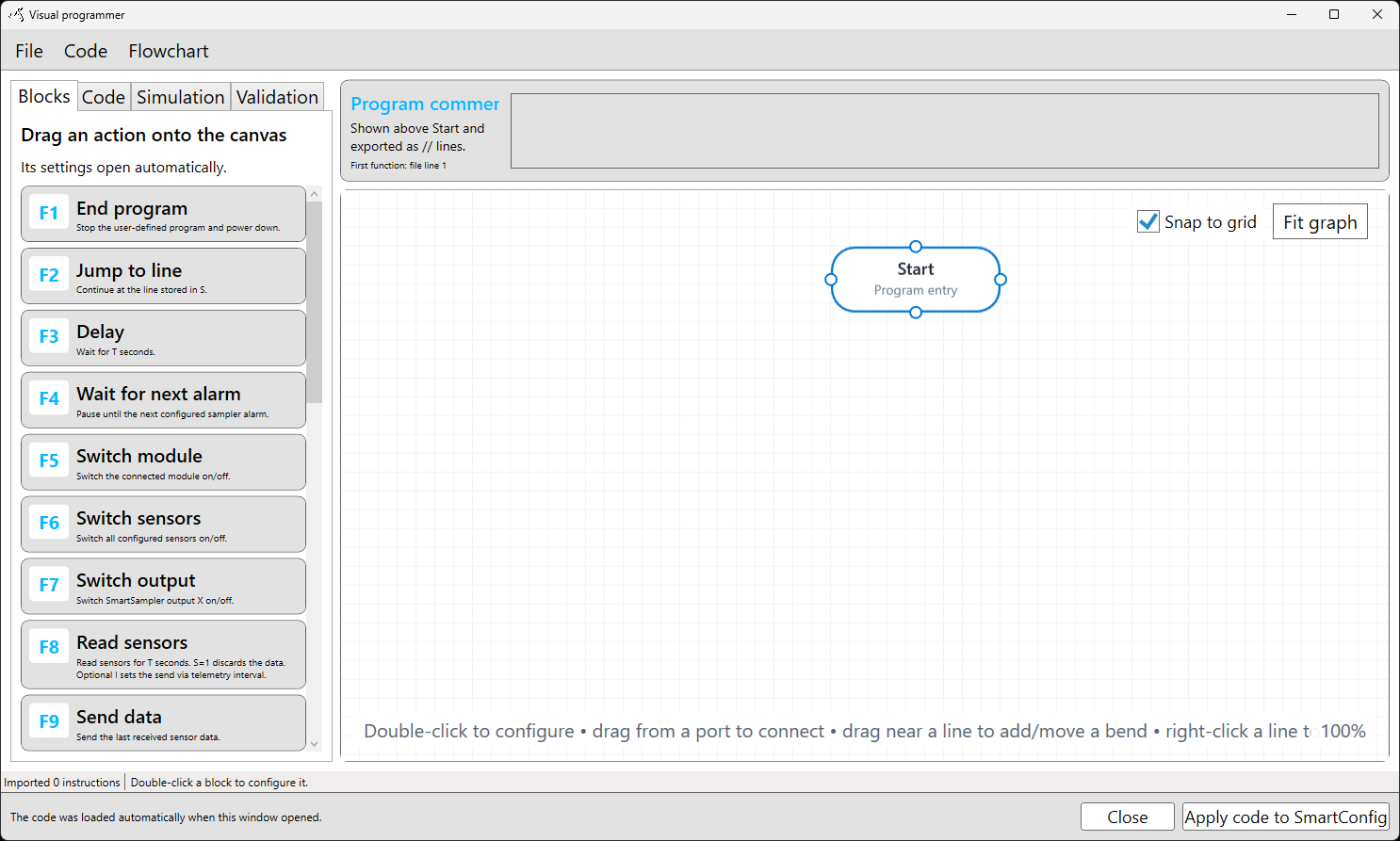
If no program code is available, SmartConfig2 opens a new workflow containing the visual Start block. Add actions from the Blocks tab, configure them, and connect them on the canvas to create the program flow.
When you finish editing, use the Code menu to convert between the line-based program and the visual flowchart as needed. Select Apply code to SmartConfig2 to generate the current workflow's program code, return it to SmartConfig2, and close the Visual Programmer. Select Close to exit without applying the current changes.
Before transferring configuration to a connected SmartSampler2, follow the documented connection and cable guidance in SmartSampler2 hardware interfaces.
Related hardware: SmartSampler2 hardware reference.