
4.3.3 Configuration
The current SmartConfig2 output view does not provide separate output-function configuration. Each available output can be switched on or off, and its power level can be set from 0 to 10.
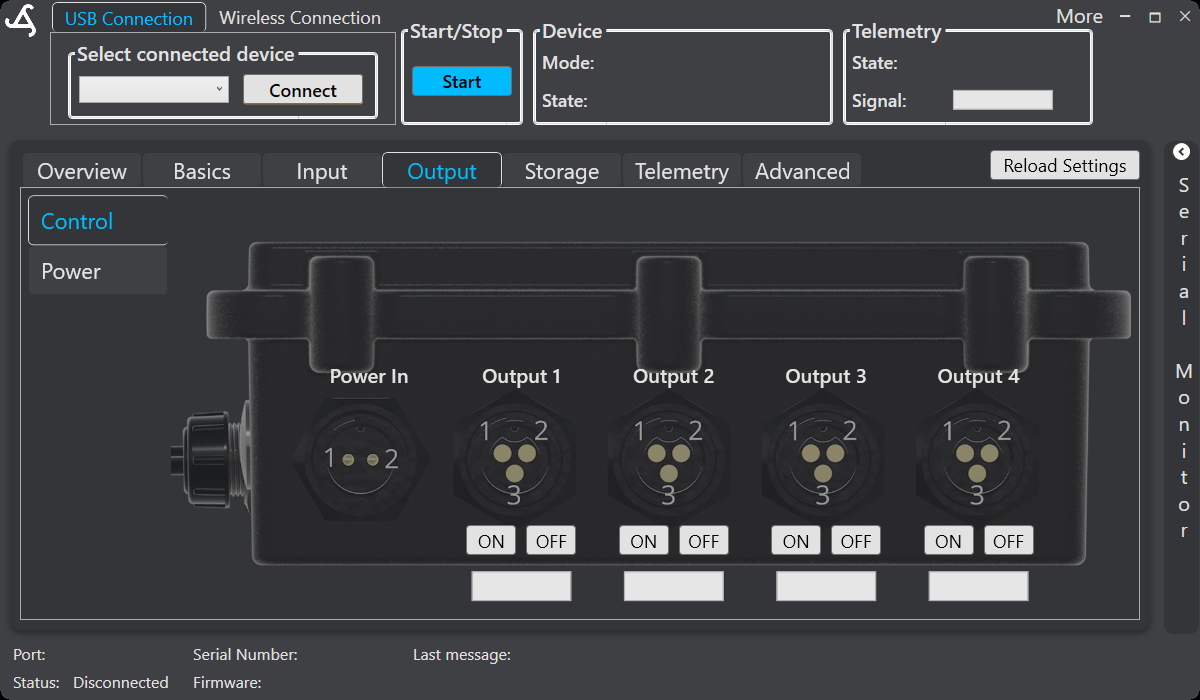
Switch an output
Use the control for the required output to switch it on or off. Confirm the connected equipment and the intended safe state before operating an output manually.
Set output power
The power setting uses values from 0 through 10:
- 0 is off, or 0%.
- 10 is full power, or 100%.
- Values between 1 and 9 set the corresponding intermediate power level.
Save the changed value when the view provides a save control, and verify the actual output response before deployment. For verified output ratings, connector assignments, and electrical safety information, see the SmartSampler2 hardware interfaces.