
3.3 Status Bar
The Status Bar remains visible at the bottom of SmartConfig2. It provides connection and device-identification information for the currently selected SmartSampler2.
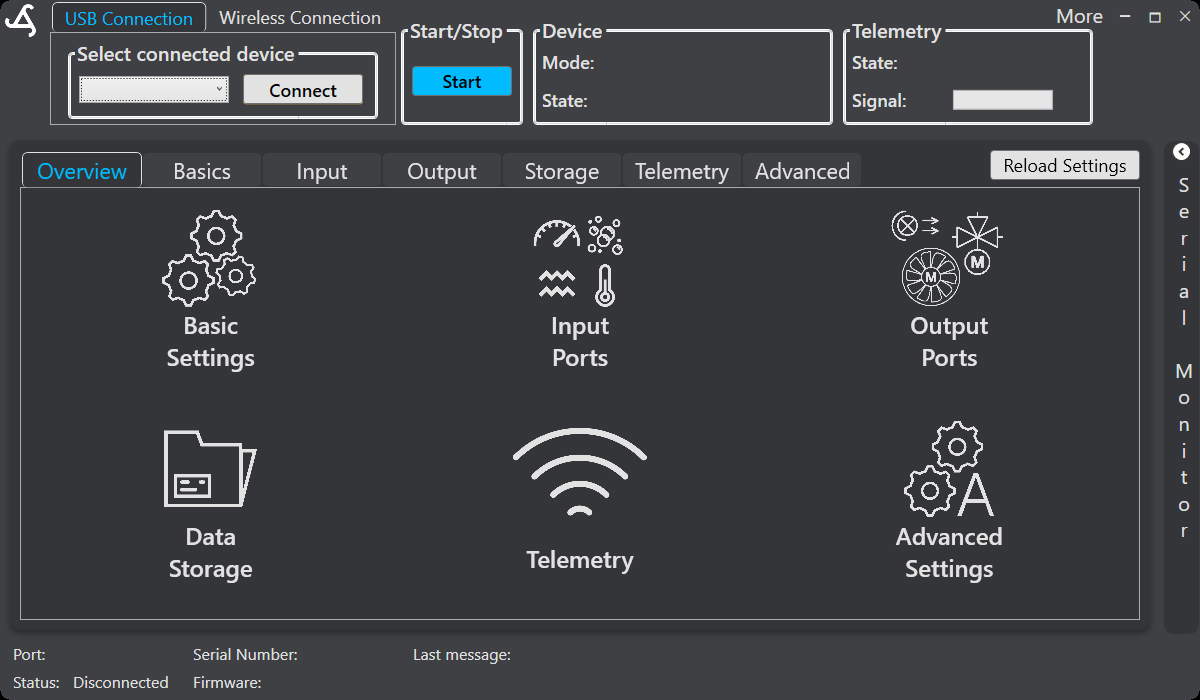
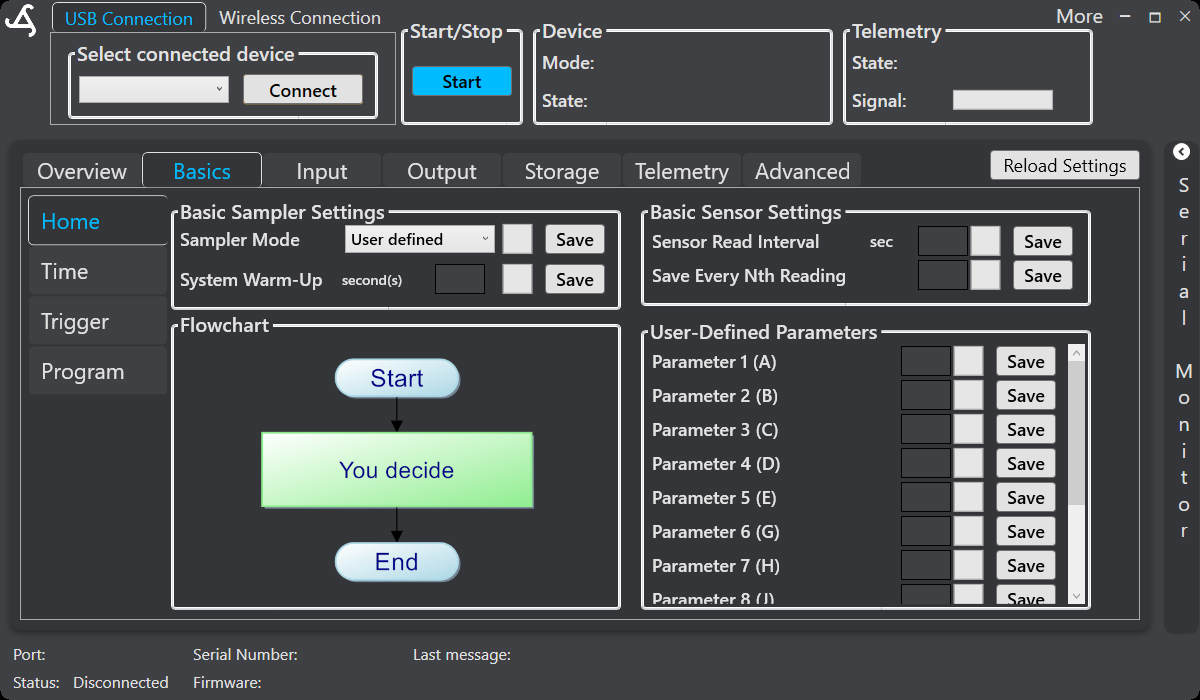

Displayed information
- Port → The communication port currently used by SmartConfig2.
- Serial Number → The serial number reported by the connected SmartSampler2.
- Last message → The most recent user-visible message received from SmartSampler2.
- Status → The current connection state, such as Connected or Disconnected.
- Firmware → The firmware information reported by SmartSampler2.
When the application is disconnected, fields that depend on a device connection may be empty. The supplied interface screenshots show this state while no device is selected.
Using the status information
Check the Status Bar after selecting a device and connecting. Confirm that the expected port, device information, and connection status are shown before changing settings or starting operation. After a connection, SmartConfig2 normally retrieves the SmartSampler2 configuration automatically. Use Reload Settings only if the automatic retrieval did not complete or you explicitly need to refresh the displayed configuration.
The Status Bar is separate from the device and telemetry panels at the top of the window. Those panels show operating and telemetry information; telemetry configuration and live-data behavior are documented in Telemetry: General and Telemetry: Settings.
For connection and cable guidance, see SmartSampler2 Hardware Interfaces. For physical checks when connection problems may be caused by power, wiring, contamination, or water ingress, follow SmartSampler2 Diagnostics & Maintenance.
Related hardware: SmartSampler2 hardware reference.