
5.1 User defined
User defined is the SmartConfig2 sampler mode for building a custom SmartSampler2 operating sequence. The Visual Programmer combines program actions, connections, formulas, parameters, temporary values, counters, subprograms, validation, and simulation in one workflow.
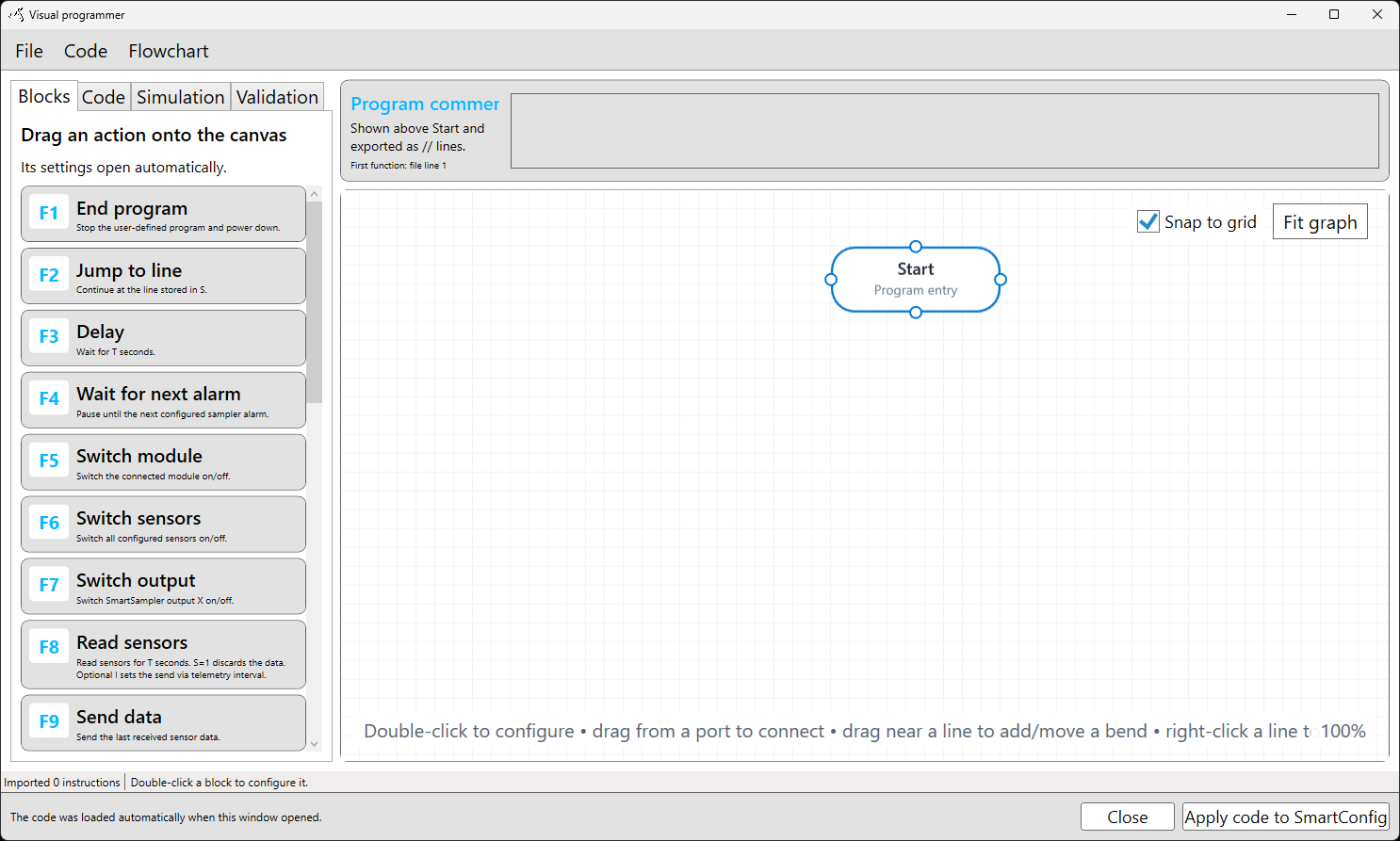
5.1 User-defined workflow
- Connect SmartConfig2 to SmartSampler2 and allow the settings to load automatically.
- Open Basics > Program, then select Visual programmer.
- Add and configure the required actions.
- Connect the actions in the intended execution order.
- Generate the code, validate the program, and use simulation to check the sequence.
- Apply the code to SmartConfig2, then save it to SmartSampler2.
Formulas within User defined
Formula actions are part of the User defined mode. A formula can use selected fields from the latest sensor-data record and supported runtime values. Test the expression with representative input, then validate and simulate the complete program before applying it.
Start with 5.1.1 Introduction, or open the Visual Programmer overview.