
4.7 Serial Monitor
Serial Monitor
The Serial Monitor is a read-only panel for live data and diagnostic information received from SmartSampler2. Use the thumb on the left side of the panel to expand it when more space is required.
Data
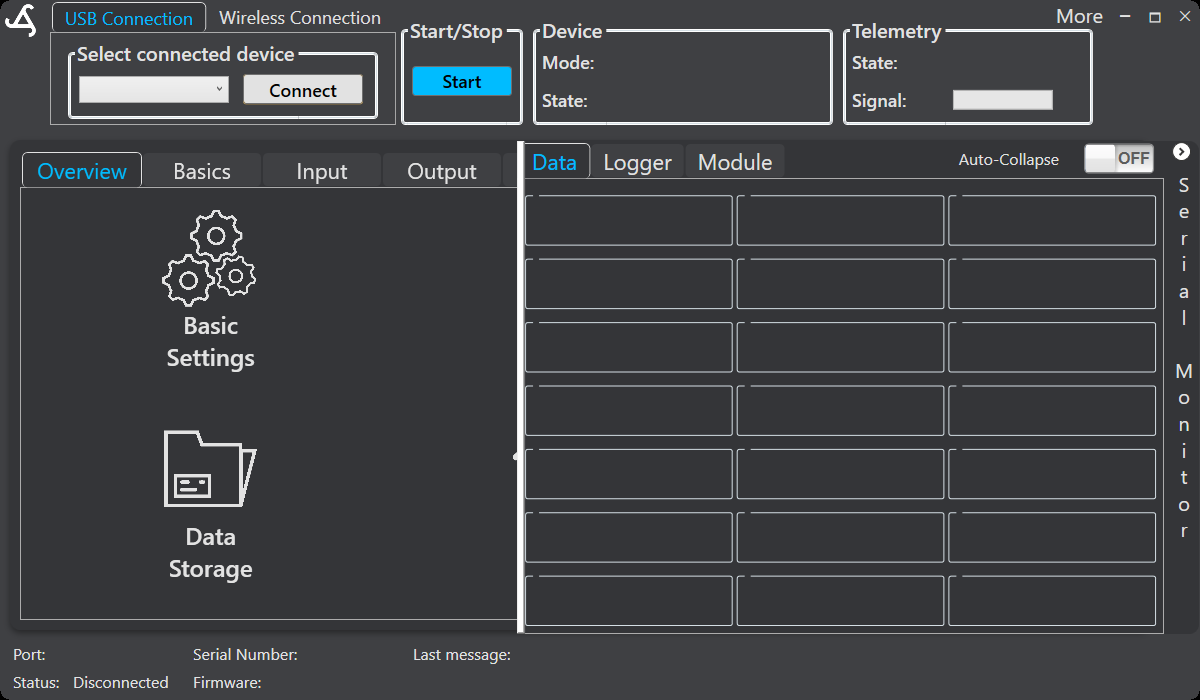
The Data view shows incoming measurements with their configured variable names. SmartConfig2 0.3.0 and later lays out the entries in a uniform grid and adds columns as space becomes available. Use it to confirm that sensor and module values are received and mapped as expected.
Logger
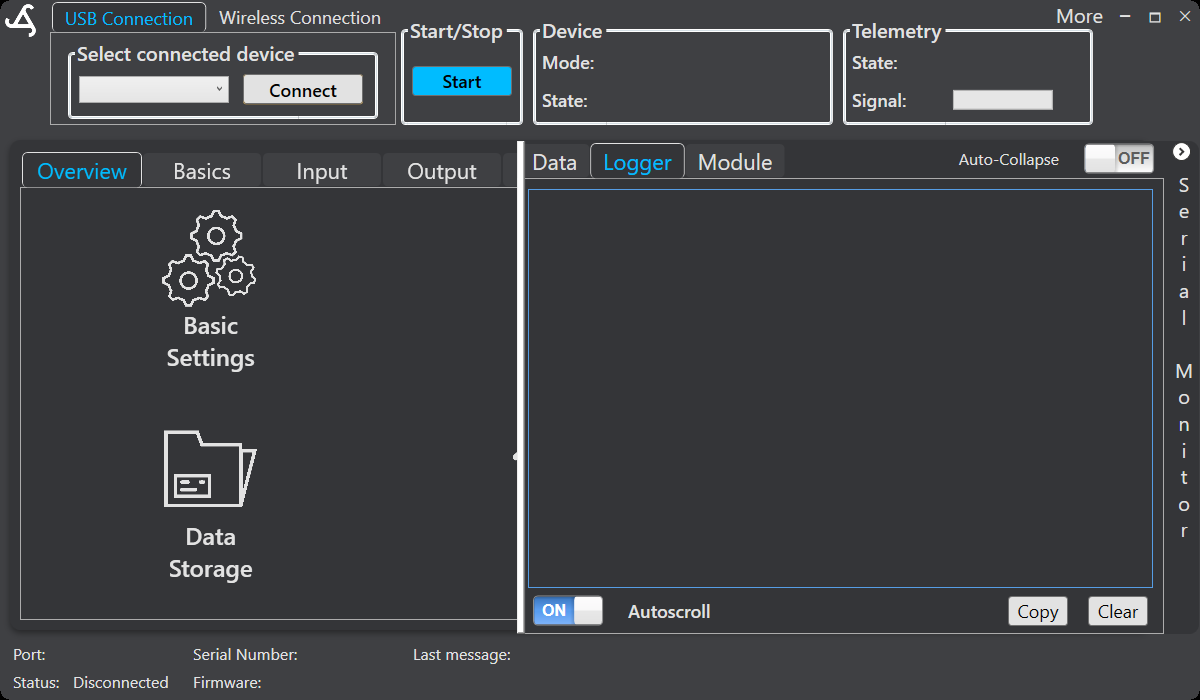
The Logger view shows general operating information and what SmartSampler2 is currently doing. Use it to follow startup, program activity, and other reported device events.
Module
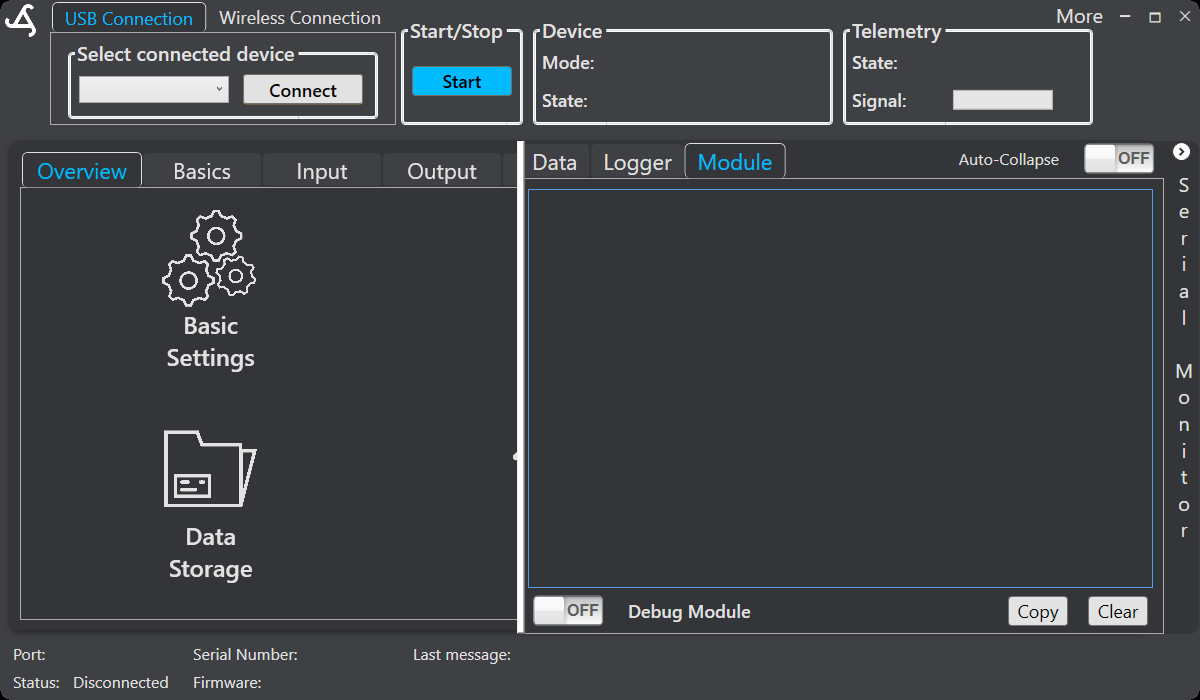
The Module view shows communication with connected modules. It is mainly intended for diagnostics when checking module requests, replies, addressing, and connection problems.
Using the monitor
- Use the relevant Input, Module, or Telemetry controls to send a request; the Serial Monitor itself is read-only.
- Compare unexpected data with the configured interface and variable mapping.
- For module problems, confirm the selected module address and physical connection before changing configuration.
- Select Clear to clear the displayed messages. This does not change settings or delete stored data.
Use Storage for saved records. For physical connector and interface requirements, see SmartSampler2 hardware interfaces.