
4.2.1 I²C
Select Input > I²C to open the I²C input area. In the current SmartConfig2 interface, this page displays a Work in progress message stating that the feature is not yet available. The screenshot also shows the device disconnected, so no sensor configuration or live reading is available in this view.
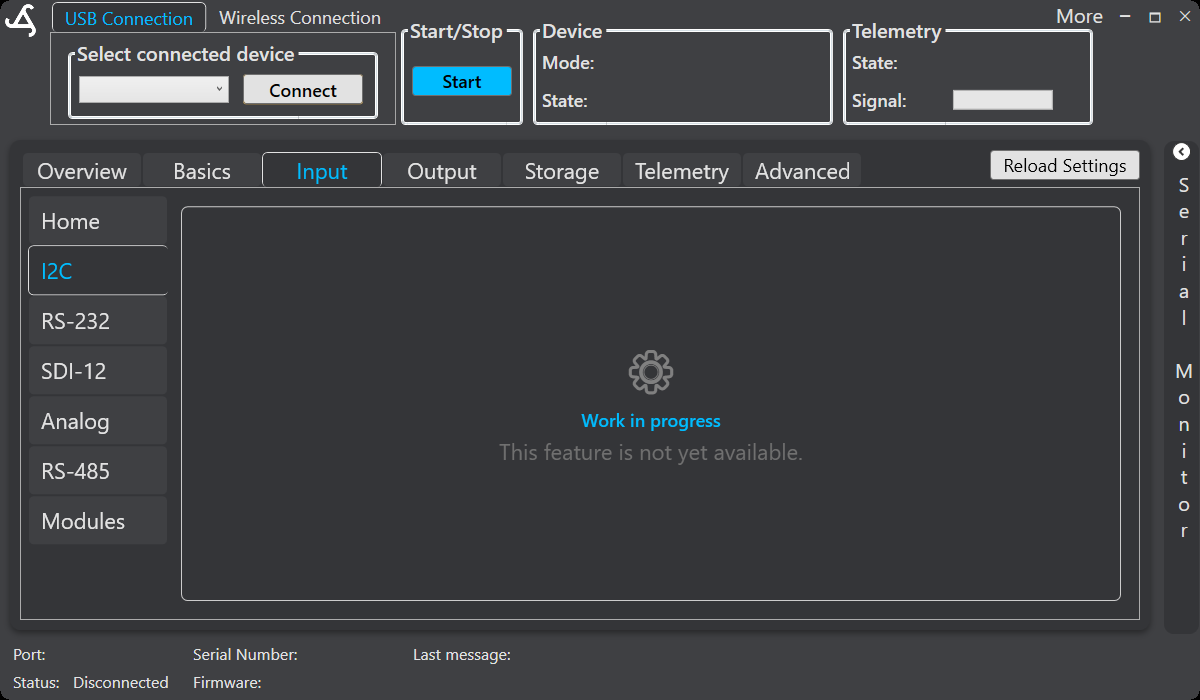
Open the I²C page
- Connect to SmartSampler2 using the USB connection or a configured wireless connection.
- Allow SmartConfig2 to retrieve the device settings automatically.
- Select Input, then select I²C.
Use Reload Settings only when automatic retrieval did not complete or when you intentionally need to refresh the displayed settings.
Hardware connection
When I²C configuration becomes available for the connected system, connect the sensor according to the SmartSampler2 I²C hardware reference. The connector provides GND, SCL, SDA, and the documented supply connection. I²C devices should use 3.3 V logic.
The same connector also includes the protected P7 and P8 signal inputs. These are pulse inputs, not I²C data lines. Refer to the hardware reference for their pinout, recommended signal levels, protection, and pulse-frequency guidance.
Sensor data
Do not use this page to configure or verify I²C measurements while the feature-availability message is displayed. The available controls and measurements may depend on the connected SmartSampler2 configuration and the supported SmartConfig2 interface. When supported and successfully initialized, I²C environmental sensor assemblies may provide fields such as humidity, temperature, carbon dioxide, air-quality index, TVOC, pressure, or altitude.
For other available input interfaces, return to Input Ports.