
To open the Visual Programmer, go to Basics → Program in SmartConfig2.1 and select the Program tab. Then select Visual programmer above the program-code area.
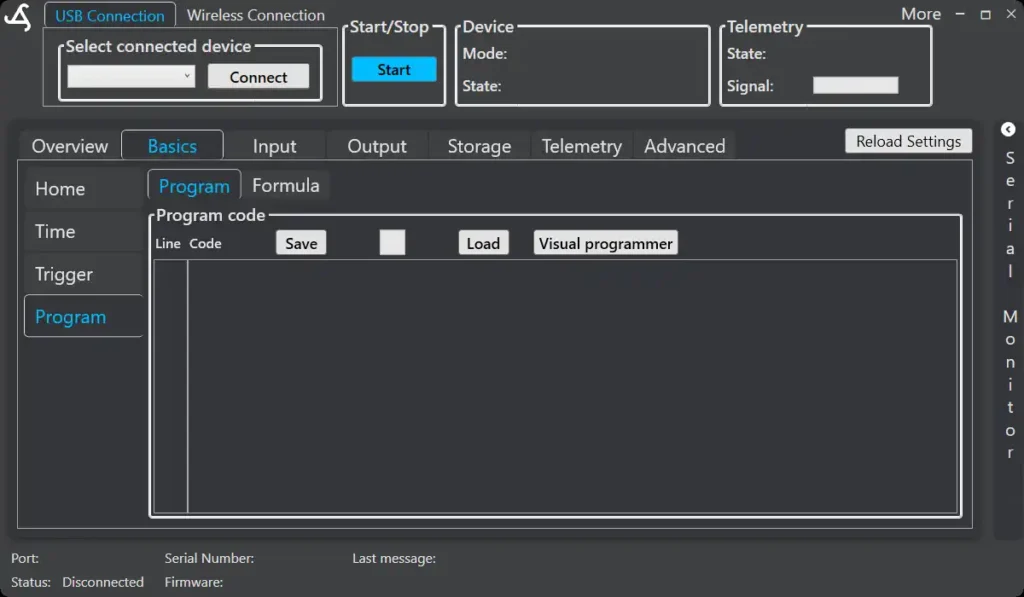
The Visual Programmer automatically loads the program currently displayed in SmartConfig2.1. If the program-code area is empty, a new program containing only the Start block is created.
After creating or editing the program, select Apply code to SmartConfig to return the generated program to SmartConfig2.1. Select Close to exit the Visual Programmer without applying the changes.